
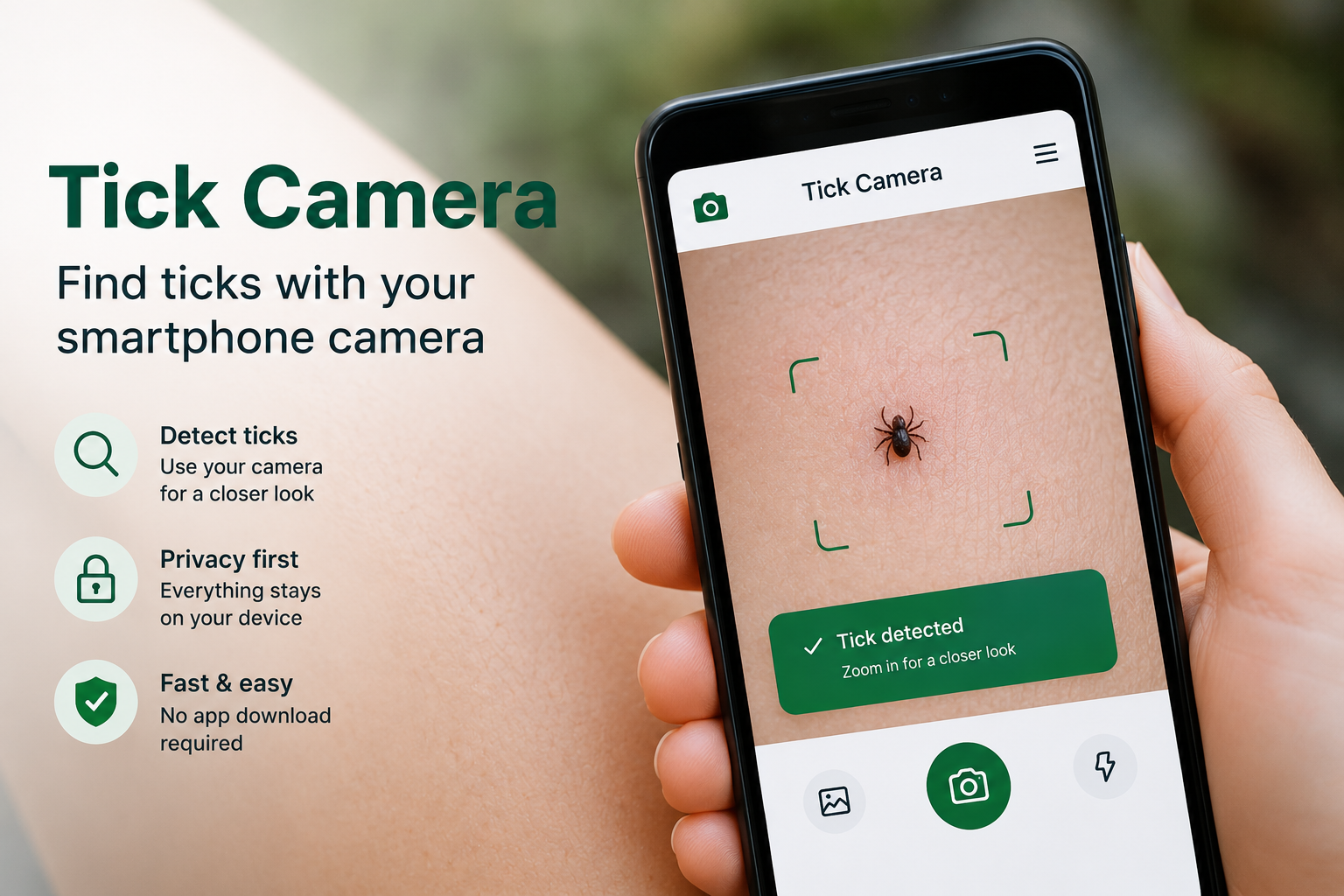
Mobile Tick-Checking Tool
Tick Camera
Use your smartphone camera to take a closer look at skin or fur.
Camera processing takes place directly in your browser on your device.
The camera has not been started yet.
Live
Light
Negative
Start the camera when you are ready.
🔒 Camera Privacy:
Camera images are not uploaded to our servers.
Processing takes place directly in your browser on your device.
Important:
The Tick Camera is a visual checking tool. It cannot confirm that
a spot is a tick, diagnose an infection or replace medical or
veterinary advice.
Simply Explained
How Does the Tick Camera Work?
Tick Camera uses your smartphone camera directly in your browser.
After you allow camera access, a live image appears on the screen.
You can use it to inspect skin or fur more closely without uploading
or saving a photo.
By default, the camera image is shown in a negative view.
Light and dark areas are reversed. This may help make small dark spots,
fine structures or possible ticks easier to notice on skin, hair or fur.
Use the round button to freeze the current camera image.
The still image remains visible only temporarily in your browser so you
can inspect the area more carefully. It is not automatically saved and
is not transmitted to tickcamera.com.
On supported devices, the Light button can activate the rear-camera
flashlight. This can make it easier to inspect hair, thick fur or poorly
lit areas. The light function may not be available on every smartphone
or browser.
Tick Camera does not automatically identify ticks. It does not analyze
images, identify tick species, detect infections or provide a diagnosis.
It is a practical visual checking aid that can help you take a closer
look at a suspicious spot.
Three Simple Steps
How to Use the Tick Camera
Start the camera
Allow camera access and slowly move the rear camera over
the skin or fur you want to inspect.
Change the view
Use the negative view when small shapes or dark spots are
difficult to see clearly.
Freeze the image
Tap the round button to freeze the current view and inspect
the area more closely.